121 votes
301 URL Tracker
Find out where your users get lost and guide them to where they need to go.
NOTE: the latest version can be found on NuGet, the versions listed here are out of date.
The URL Tracker makes URL management easy. Your visitors will no longer be lost on your website as the URL Tracker watches how your website changes. Page moved or renamed? No problem! The URL Tracker knows this and directs your visitors to the right page. Not only does this provide a nice experience for your visitors, it also helps you maintain your rightful spot at the top in Google (and other search engines). The URL Tracker puts you in control by giving you the means to manage your own redirects. It can be as simple as a redirect from a URL to an Umbraco page, but you can make it as sophisticated as you like using Regular Expressions. The URL Tracker is an essential tool for content editors who want to migrate to a new Umbraco website, so they can guide their users to the right place.
Find out more about the URL Tracker in our documentation on GitHub.
Umbraco 10.x
The URL tracker for umbraco 10 is
available via nuget: https://www.nuget.org/packages/UrlTracker/
Umbraco 9.x
The URL tracker for umbraco 9 is
available via nuget: https://www.nuget.org/packages/UrlTracker/
Please use version 9.x.
Umbraco 8.x
The URL tracker for umbraco 8 is
available via nuget: https://www.nuget.org/packages/UrlTracker/
Please use version 5.x.
Umbraco 7.x
The URL tracker for umbraco 7 is
available via nuget: https://www.nuget.org/packages/UrlTracker/
Please use version 3.x.
Umbraco 7.3.0 - 7.3.5
Umbraco 7.3.0 - 7.3.5 have known issues with the URL Tracker. These are resolved in Umbraco 7.3.6 and 7.4, so please don't use 7.3.0 - 7.3.5 in combination with the URL Tracker.
Screenshots


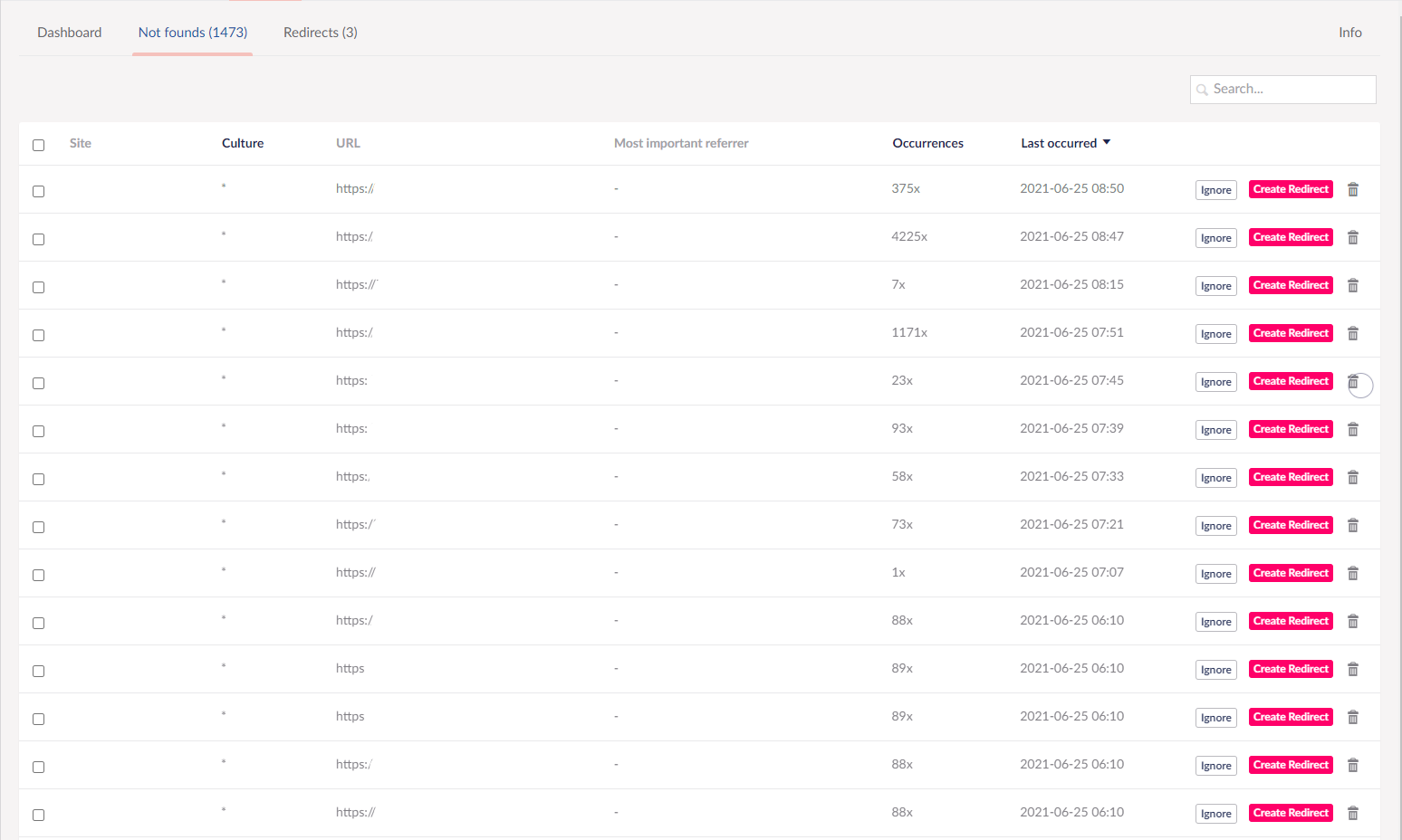
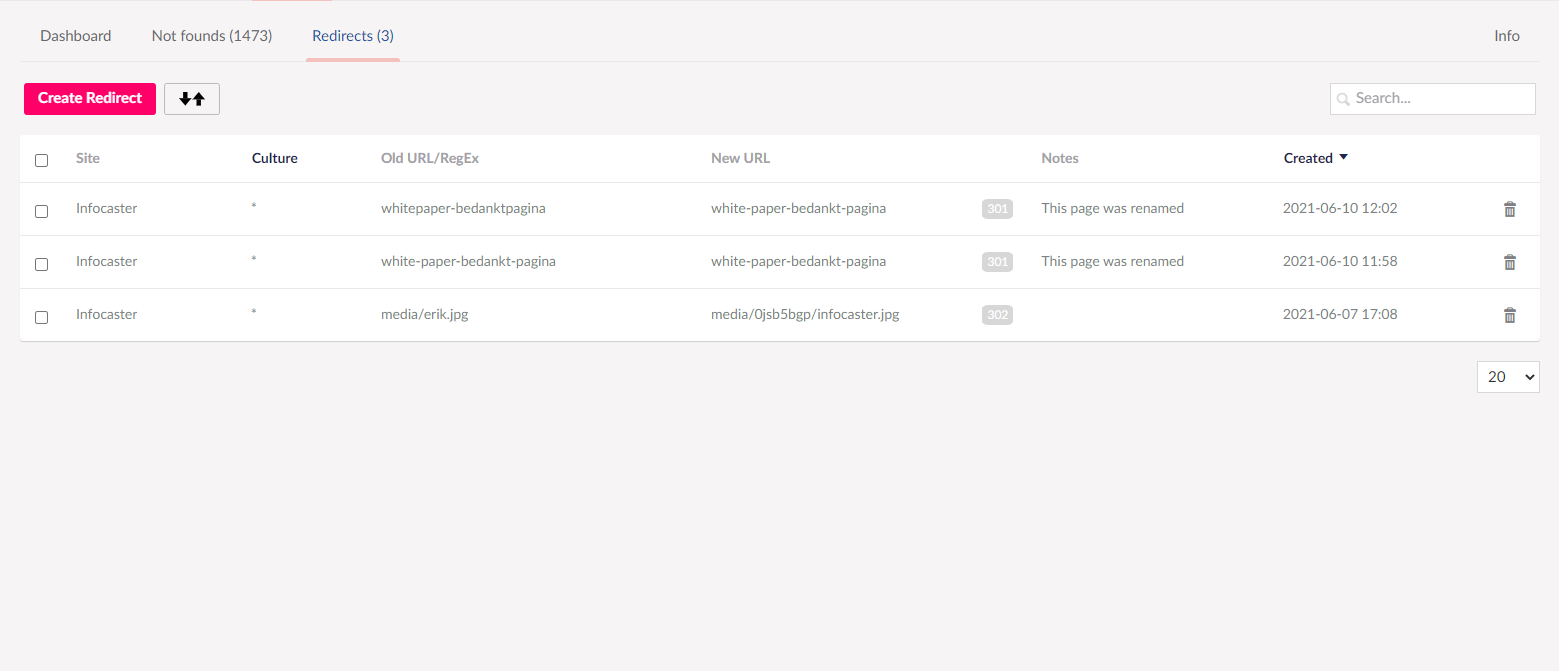
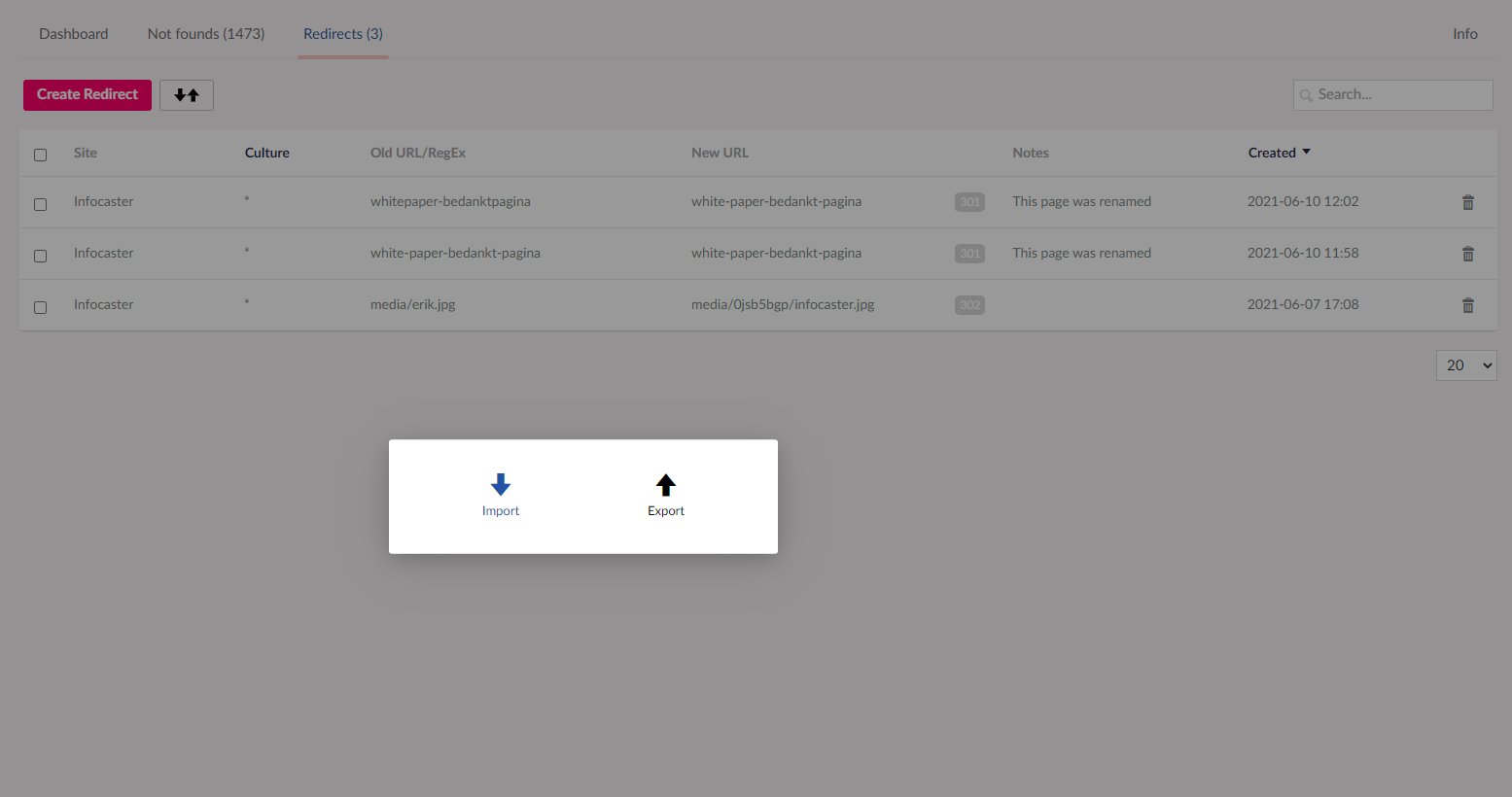

- Package Files
- Documentation
- Source code
- Archived Files
Archived files
-
301_URL_Tracker_1.5.2.zipuploaded 12/02/2013 by Stefan Kip
For Umbraco: & .NET Version: 4.0 -
Url_Tracker_3.10.zipuploaded 04/01/2016 by Stefan Kip
For Umbraco: Version 7.3.x, Version 7.2.x, Version 7.1.x, Version 7.0.x & .NET Version: 4.0 -
Url_Tracker_3.5.zipuploaded 20/02/2015 by Stefan Kip
For Umbraco: Version 7.2.x, Version 7.1.x, Version 7.0.x & .NET Version: 4.0 -
Url_Tracker_3.4.zipuploaded 12/03/2015 by Stefan Kip
For Umbraco: Version 7.2.x, Version 7.1.x, Version 7.0.x & .NET Version: 4.0 -
Url_Tracker_3.3.zipuploaded 12/03/2015 by Stefan Kip
For Umbraco: Version 7.2.x, Version 7.1.x, Version 7.0.x & .NET Version: 4.0 -
Url_Tracker_3.2.zipuploaded 12/03/2015 by Stefan Kip
For Umbraco: Version 7.2.x, Version 7.1.x, Version 7.0.x & .NET Version: 4.0 -
Url_Tracker_3.1.zipuploaded 12/03/2015 by Stefan Kip
For Umbraco: Version 7.2.x, Version 7.1.x, Version 7.0.x & .NET Version: 4.0 -
Url_Tracker_3.6.zipuploaded 21/03/2015 by Stefan Kip
For Umbraco: Version 7.2.x, Version 7.1.x, Version 7.0.x & .NET Version: 4.0 -
Url_Tracker_3.7.zipuploaded 01/05/2015 by Stefan Kip
For Umbraco: Version 7.2.x, Version 7.1.x, Version 7.0.x & .NET Version: 4.0 -
Url_Tracker_3.8.zipuploaded 22/05/2015 by Stefan Kip
For Umbraco: Version 7.2.x, Version 7.1.x, Version 7.0.x & .NET Version: 4.0 -
Url_Tracker_3.9.zipuploaded 09/07/2015 by Stefan Kip
For Umbraco: Version 7.2.x, Version 7.1.x, Version 7.0.x & .NET Version: 4.0 -
Url_Tracker_2.6.2.zipuploaded 23/06/2014 by Stefan Kip
For Umbraco: Version 7.0.x & .NET Version: 4.0
Documentation
Source code
NuGet install instructions for Umbraco 9+
dotnet add package UrlTrackerPackage owner

Package Compatibility
This package is compatible with the following versions as reported by community members who have downloaded this package:
Untested or doesn't work on Umbraco Cloud
Version 8.18.x (100%)
You must login before you can report on package compatibility.
Previously reported to work on versions: 8.17.x, 8.16.x, 8.15.x, 8.14.x, 8.13.x, 8.12.x, 8.11.x, 8.10.x, 8.9.x, 7.15.x, 7.14.x, 7.13.x, 7.10.x, 7.7.x, 7.5.x, 7.4.x, 7.2.x, 7.1.x
Package Information
- Package owner: Infocaster BV
- Contributors: Erik Eelman , Dennis , Bram van den Bogaard
- Created: 28/04/2010
- Current version 10.0.2
- .NET version 4.0
- License MIT
- Downloads on Our: 25.8K
- Downloads on NuGet: 549.6K
- Total downloads : 575.4K